Read this first
Executive summary
3 operating principles- 01
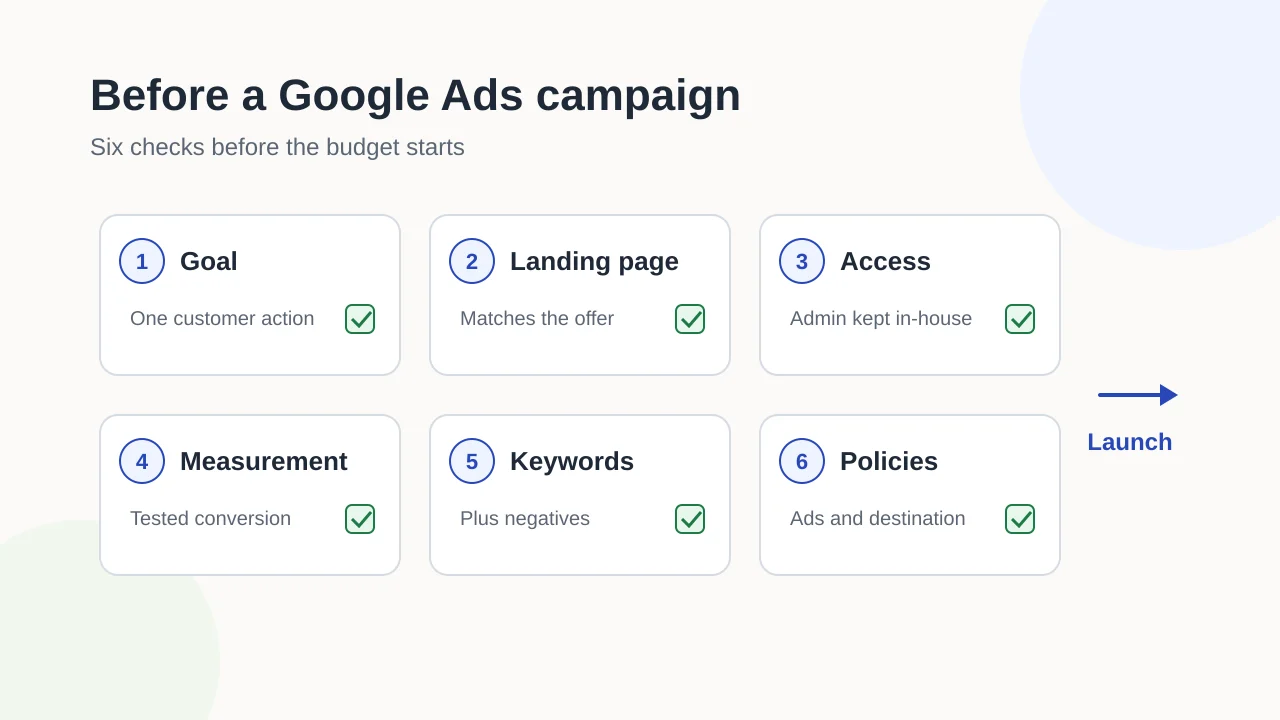
Decide which customer action counts as success and make sure the landing page supports it before you spend.
- 02
Keep admin access to the Google Ads account inside the business, and set up and verify conversion measurement before launch.
- 03
Prepare keywords, negative keywords and policy checks in advance; results still depend on the auction, offer and budget, and are never guaranteed.
Article tools
Read, review or take this article into your preferred AI assistant.Summarize with AI
Copies a prompt with this article’s canonical URL. Review the result and verify its sources.Clipboard unavailable · copy prompt manually
A Google Ads campaign starts spending as soon as it goes live. If the goal is vague, the landing page does not match the ad or conversions are not being measured, the first weeks of budget can produce clicks you cannot learn from.
This guide is for business owners and marketers preparing a first campaign or relaunching an old one. It covers what to put in place before launch. It does not cover bidding strategy or ongoing optimisation, and it makes no promise about results: those depend on the auction, your offer, your budget and many factors nobody controls.
Decide what success means
Choose the one customer action the campaign should produce: a quote request, a booking, a call, a purchase or a sign-up. Write down:
- the action, and where it happens (which page, form or phone number);
- roughly what one of those actions is worth to the business;
- the date you will first review the campaign.
Everything else in this guide depends on this decision. Measurement records the action, the landing page makes it easy, and the review date stops a test from running indefinitely.
Check that the landing page matches the offer
People who click an ad should land on the page that answers it, not on a general home page. Before launch, check that the page:
- clearly describes the product or service the ad promotes;
- makes the action easy, with a working form, booking link or visible phone number;
- works well on a phone;
- loads without errors and has no broken links.
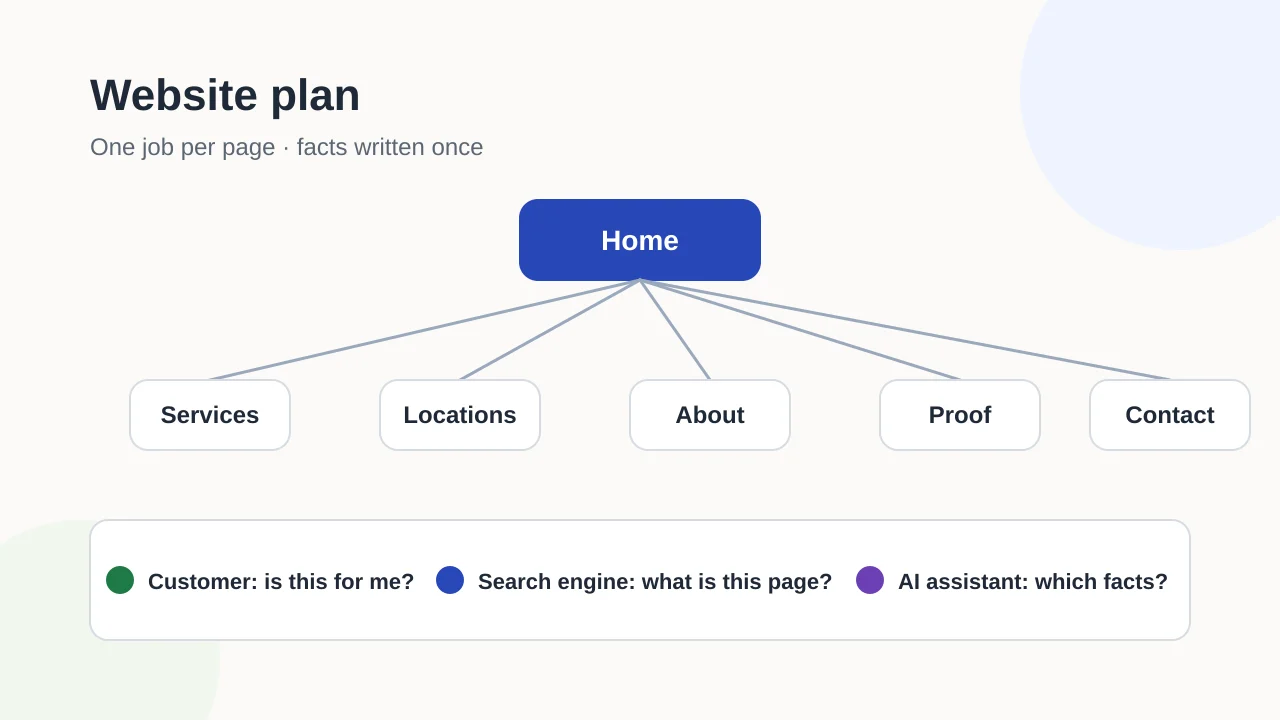
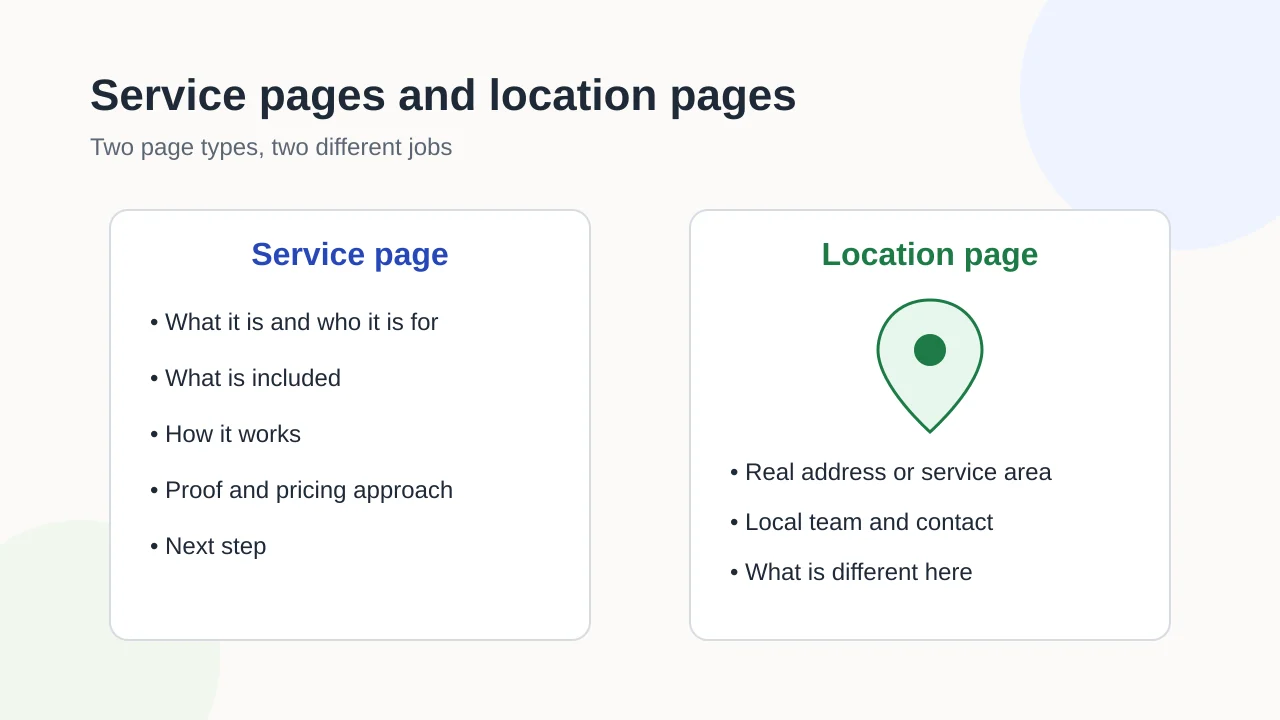
If you need a new page for the campaign, our guides to planning a business website and service pages versus location pages explain how to give each page one clear purpose.
Own the account and set the right access
The business should own its Google Ads account. If a supplier creates and keeps the account, you can lose its history and data when that relationship ends.
Google Ads has five access levels: Admin, Standard, Read-only, Billing and Email-only. Only Admin users can give account access, change access levels and cancel invitations. Keep at least one Admin login inside the business, and invite suppliers and colleagues at the level their work requires.
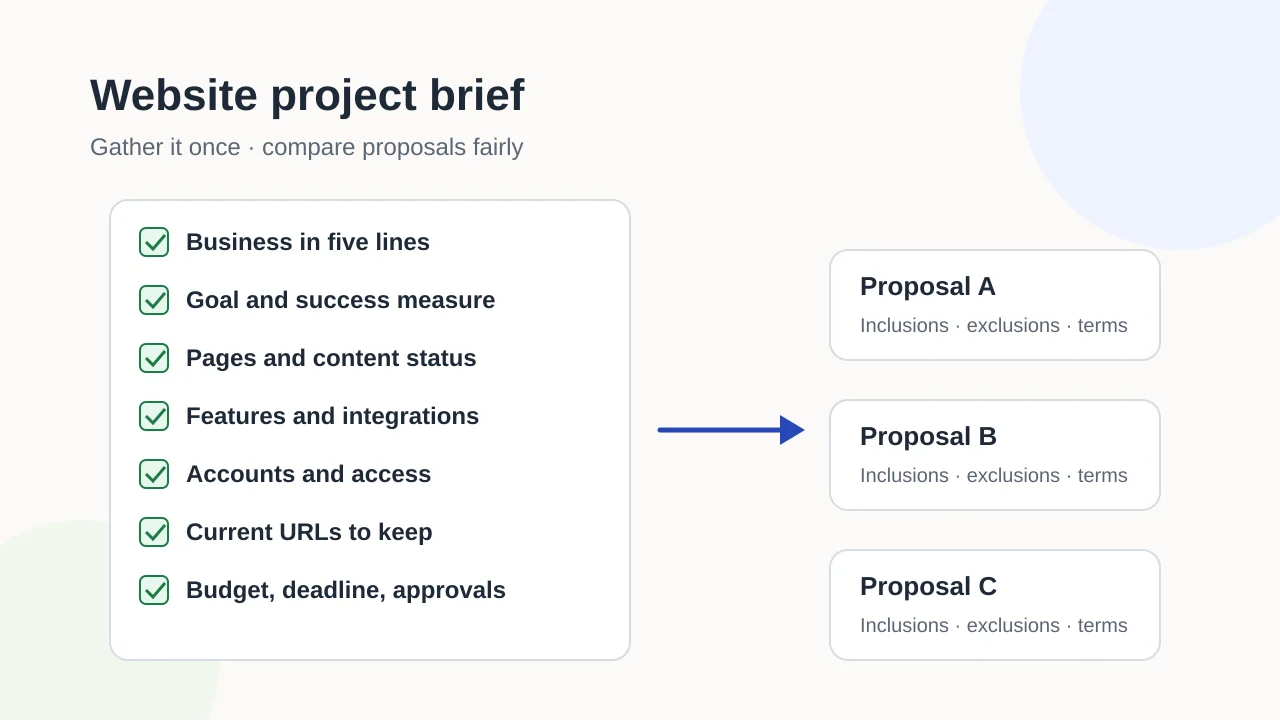
Record who holds each login alongside your other accounts. Our website project brief template includes a simple accounts-and-access table you can reuse.
Set up conversion measurement before launch
Google describes conversion measurement as tracking the actions you choose as valuable, like a purchase, sign-up, or phone call, after people interact with your ads. Google Ads can measure several kinds:
- website actions, such as form submissions or purchases;
- phone calls, from your ads or to a number on your website;
- app installs and in-app actions;
- offline conversions, imported from files or other systems.
For website conversions, Google’s setup guide uses a Google tag on your site, with an event snippet for individual conversions, or setup through Google Tag Manager. After installing it, Google suggests checking the Status column for the conversion action and reviewing the tag with Google Tag Assistant. Complete a test conversion yourself and confirm it is recorded before the campaign starts.
Connect Google Analytics if you use it
Linking Google Ads to your Google Analytics property makes Analytics data available in Google Ads. Google’s documentation describes creating Google Ads conversions based on Analytics key events and adding Analytics audiences to campaigns. Decide which system is the main source for each conversion so actions are not counted twice.
Respect visitors’ consent choices
If your website asks visitors for cookie consent, consent mode lets you pass their consent status to Google so that tags adjust their behaviour and respect their choices. Google notes regional differences for areas such as the EEA, Switzerland and the UK. Check that your consent banner and your tags work together before launch.
Prepare keywords and exclusions
Write a short keyword list grouped by the service or product each group promotes. Understand the three match types before you add them:
- Broad match is the default and the most comprehensive;
- Phrase match uses quotation marks around the keyword, such as “emergency plumber”;
- Exact match can show ads on searches with the same meaning or intent as the keyword.
Then prepare negative keywords, which exclude your ads from searches containing those terms. Typical examples are services you do not offer, areas you do not serve and job-seeker searches. Review the search terms report after launch and add more.
Check advertising policies before writing ads
Google requires advertisers to comply with applicable laws and with its advertising policies, which cover four areas: prohibited content, prohibited practices, restricted content and features, and editorial and technical requirements. Policies apply to your ads, assets and destinations, including the landing page. Some products and services fall under restricted categories with extra requirements, so check the policy that applies to your industry before writing copy.
Pre-launch checklist
- one customer action chosen as the campaign goal, with a review date;
- a landing page that matches the offer and works on a phone;
- admin access to the Google Ads account held inside the business;
- conversion measurement installed, tested with a real conversion and showing a working status;
- one main source chosen for each conversion if Google Analytics is linked;
- consent banner and tags checked together;
- keyword groups, match types and a starting list of negative keywords;
- ads and landing page checked against the relevant advertising policies;
- a test budget the business can afford to learn from.
Discuss your next step
If you would like help setting up a campaign and its measurement, explore paid media services or contact Exendia to discuss your goals.
FAQ
Can I launch first and add conversion tracking later?
You can, but the early spend is then hard to evaluate: you will see clicks and costs without knowing which ones led to enquiries or sales. Setting up and testing measurement first is the safer order.
Who should have admin access to the account?
At least one person inside the business. Suppliers and colleagues can be invited at the access level their work needs, and only Admin users can change who has access.
Which keyword match type should I start with?
It depends on your budget and how precisely you can describe what customers search for. Broad match is the default and reaches the most searches; phrase and exact match are narrower. Whichever you choose, add negative keywords and review the search terms that triggered your ads.
Are Google Ads results guaranteed?
No. Performance depends on the auction, competition, your offer, landing page, budget and targeting. Good preparation makes results easier to measure and improve; it cannot guarantee them.
Evidence layer
References and further reading
Primary documentation used to review the technical concepts in this guide.- Google Ads HelpAbout conversion measurement
- Google Ads HelpSet up your web conversions
- Google Ads HelpAbout consent mode
- Google Ads HelpAbout access levels in your Google Ads account
- Google Ads HelpAbout keyword matching options
- Google Ads HelpAbout negative keywords
- Advertising Policies HelpGoogle Ads policies
- Analytics HelpConnect Google Ads to Google Analytics